A truly comfortable trip is one without friction. You want your flights on time, your hotel sheets crisp, and your internet connection instant.
Naturally, when you see a free, unlocked Wi-Fi network pop up on your screen, it feels like a convenient little bonus. But when visiting Singapore, strict regulations framed by the Cybersecurity Act mean that convenience comes with a hidden price tag that could ruin your holiday.
Connecting to a private network without permission is one of the few “potholes” in an otherwise seamless city. It’s a risk that no smart traveler needs to take. To help you navigate the Lion City like a pro, we’ve broken down exactly what the law says—and the easiest, most secure ways to get online so you never have to second-guess your connection.
Note: This page has affiliate links. We earn a commission at no cost to you. See our policy for more details.

What does an illegal connection look like?
It is easy to break this law by accident if you rely on “common sense” rules from other countries. In many places, an open network is fair game. Here, it is not.
Scenario: The Illegal Connection
Imagine you are walking down the street and your phone shows an unsecured Wi-Fi network with a name like “LINKSYS,” “HomeNetwork,” or “Sarah’s iPhone.” You connect to it because it has no password.
Accessing these networks without permission is strictly prohibited. The law defines this as unauthorized use of a private network without the owner’s consent. While it is unlikely the police are hunting for tourists, it is a risk you should never take. Offenders found guilty can be fined up to SGD$10,000 or face imprisonment for up to 3 years, underscoring the seriousness with which the legal system treats digital trespassing.

The Hidden Danger: Fake “Honeypot” Networks
There is another compelling reason to ignore that random “Free_Orchard_Wifi” signal popping up on your screen. It might be a digital trap.
In busy public areas like shopping malls or popular tourist strips, criminals frequently set up fake, unsecured WiFi hotspots. These are technically known as “honeypots.” They are designed with tempting names to trick your phone into connecting automatically.
The “Trust Factor” Risk
Singapore is incredibly safe—so safe, in fact, that many tourists lower their digital guard. Hackers exploit this comfort. They know you are likely to assume that a network named “Hotel_Guest_VIP” or “Changi_Free_Wifi” is legitimate because… well, it’s Singapore.
However, this false sense of security is precisely what makes these attacks so successful here.
Real-World Case: The High-Profile Interception
This isn’t just a theoretical risk for tech blogs. In 2024, a highly sensitive call between senior German military officials was intercepted right here in Singapore.
One of the participants dialed into a WebEx conference using an insecure line—likely an unsecured hotel Wi-Fi or mobile connection—while attending the Singapore Airshow. Russian intelligence operatives tapped the call, recording confidential discussions about military strategy.
The lesson is clear: If a top-level military official can be hacked by using an insecure connection in a Singapore hotel, your credit card details and personal passwords are certainly vulnerable.
How the Trap Works
- The lure: You see a network that looks official (e.g., “Starbucks_Free” or “Singapore_Public_WIFI”).
- The hook: It has no password, so you connect instantly.
- “The sting: Because these fake networks lack encryption, the moment you connect, the ‘owner’ can intercept your data, capturing everything from your login credentials to your bank details in seconds.”
By sticking to strict legal boundaries and avoiding unknown networks, you inherently protect yourself from these serious security threats.
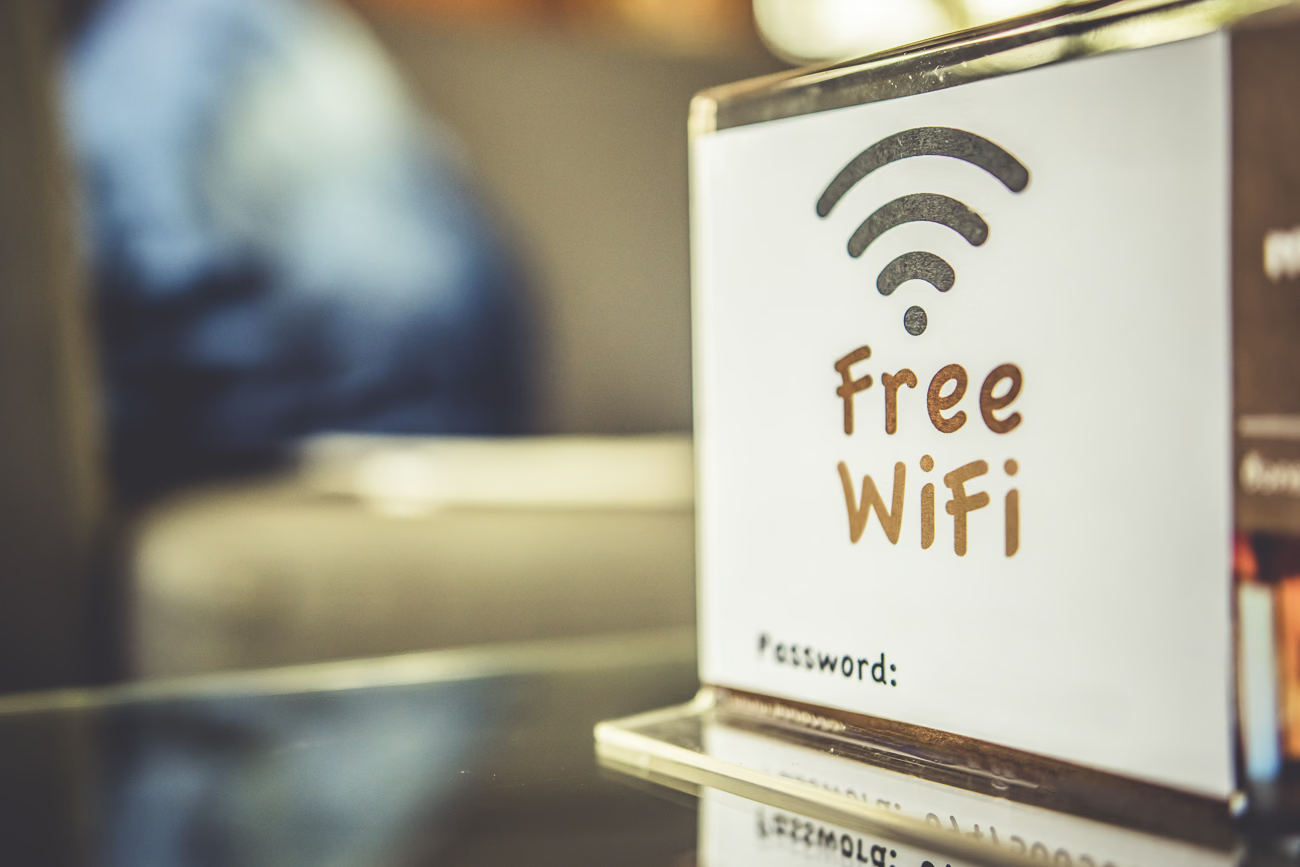
Dos and Don’ts: How to Get Online Safely
The rule for staying safe is simple: You are fine if you have explicit permission. Here is how to apply that in real-world scenarios so you never have to worry.
In a Cafe, Restaurant, or Hotel
Do: Connect if the establishment provides you with a password. If the code is printed on your receipt, displayed on a menu, or given to you by a staff member, you have been given permission. This is perfectly legal and safe.
Tip: If you don’t see a password, just ask. Most staff are happy to share it, and asking “Is this your network?” clears up any legal grey areas instantly.
At the Airport and Malls
Do: Look for the official public network called Wireless@SGx. This is a government-supported, free, and secure network available at Changi Airport, most shopping malls, and public libraries. You may need to download an app or register with your mobile number once, but it is designed specifically for public use and is fully legal.
On the Street
Don’t: Auto-connect to generic names like “Free Internet,” “Linksys,” or residential names. If you are standing on a sidewalk and picking up a signal from a nearby apartment block, do not use it. Even if it connects, it is technically trespassing. It is not worth the stress for a few minutes of scrolling.

The Best Options for a Worry-Free Trip
For the most relaxing experience, we recommend bypassing public Wi-Fi entirely. Having your own secure connection eliminates both the legal grey areas and the security risks, allowing you to focus on your vacation rather than hunting for a password.
1. Tourist eSIM (The “Comfort” Choice)
This is the modern standard for what we call “efficiency luxury.” If your phone is unlocked, you can buy and activate a Singapore data plan online before you even pack your bags.
For the smoothest start to your trip, we suggest looking at Airalo or the eSIM packages available on Klook. We have personally tested both services, and we found them to be equally excellent in terms of connection speed and ease of setup.
2. Tourist SIM Card
We know that digital setups are not for everyone. If you aren’t comfortable navigating eSIM settings or prefer a traditional method, the physical SIM card remains a reliable choice.
3. Portable Wi-Fi Router
This is an excellent choice for families or groups traveling together. We recommend the ChangiWiFi router rental, which is a staple for visitors.
Stay Connected, Stay Relaxed
Singapore’s digital infrastructure is world-class, so there is never a genuine need to rely on “grey area” networks or attempt to guess a password just to get online. We believe that true relaxation comes from knowing your digital footprint is completely secure. Whether you are navigating to a hidden hawker center or video-calling family back home, the stability and legality of your connection should be the last thing on your mind.
By choosing official channels like the ubiquitous Wireless@SGx or a reliable prepaid data plan, you ensure your travel memories remain focused on the incredible food and sights. Gaining a clear understanding of Singapore’s unique regulations allows you to navigate the city with total confidence, ensuring your digital footprint isas secure as your physical one. Being fully compliant means you avoid hidden risks and ensure your holiday remains completely stress-free.
A seamless trip is built on these small, smart choices that remove friction before it even happens. When you eliminate digital anxiety, you preserve the mental space needed to truly appreciate the efficiency and safety that make this city such a uniquely relaxing destination.
Clearing Up the Grey Areas: Your Questions Answered
Does “unlocked” really mean I can’t use it?
Yes. Under Singapore law, the lack of a password does not equal an invitation to connect. Think of it like a front door to a house: just because it is unlocked doesn’t mean you are allowed to walk inside and watch TV.
The Computer Misuse Act focuses strictly on “authorization.” If the owner (e.g., a private homeowner or a business you aren’t patronizing) did not explicitly give you permission, accessing their bandwidth is technically a crime. The law protects the ownership of the network, not just the password mechanism.
Will I actually go to jail for checking my email on a random network?
In practice, it is highly unlikely that the Singapore Police Force is actively hunting for tourists who briefly connect to an open network to check Google Maps. They generally prioritize serious cybercrime over minor infractions.
However, the penalties exist ($10,000 fine or up to 3 years in jail) to prosecute serious offenders, and “ignorance of the law” is not a valid defense here. As a visitor, your goal is to avoid any potential friction with local authorities. Getting questioned by police because a homeowner filed a complaint about “suspicious activity” would instantly ruin your trip, so we believe it is simply not worth the risk.
Can I use a VPN to use someone else’s Wi-Fi legally?
No. A VPN (Virtual Private Network) encrypts your data, which is excellent for security, but it does not give you legal authorization to access a private network.
Using a VPN to use a network you don’t have permission for is like wearing a mask while trespassing on private property—you are still trespassing, you are just hiding your identity while doing it. In fact, if you were caught using a VPN to hide your activity, it could technically be seen as an aggravating factor (intent to conceal) rather than a defense.
How do I know if a network is truly “Public”?
The biggest clue is a “Pop-up Login Page.” This is the welcome screen that appears automatically when you first connect, asking you to accept “Terms and Conditions” or click a “Connect” button. Legitimate public networks (like Wireless@SGx, Starbucks, or Changi Airport) almost always have this step.
If you tap a network and it connects instantly without asking for anything—no password, no pop-up screen, no buttons to click—it is likely a private home network or a potential trap. If in doubt, stick to networks where you can verify the exact name with a staff member.
Is it illegal to guess a simple password (like “12345678”)?
Yes, absolutely. Guessing a password to gain entry is considered “hacking” (unauthorized access) just as much as using sophisticated software would be.
The law does not distinguish between “easy” and “hard” hacks. By guessing a password, you are actively bypassing security measures to access a system you are not authorized to use. Modern routers also log these failed login attempts, meaning your device leaves a digital footprint of the “attack.” Never try to brute-force your way onto a network.
Never Miss an Update
Add yourcomforttrip.com as a Preferred Source on Google to see more of my content in AI Mode and AI Overviews.